
Centralizing Data Across Multiple Plants with Ignition
Centralizing data across multiple plants with Ignition using a hub-and-spoke architecture. Learn how Gateway Network, centralized data collection, historical data, and standardized tag models enable reliable multi-plant visibility and management.
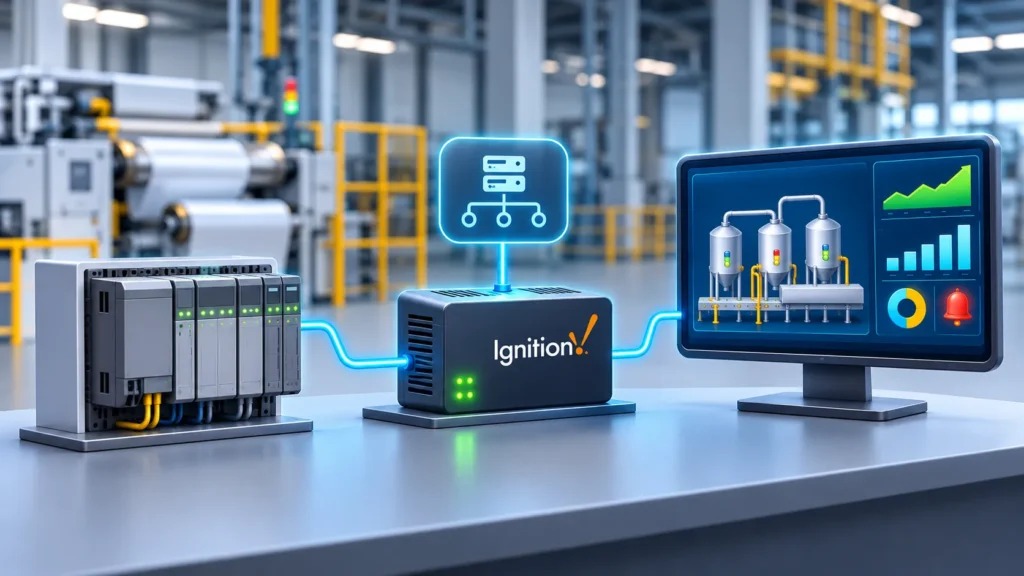
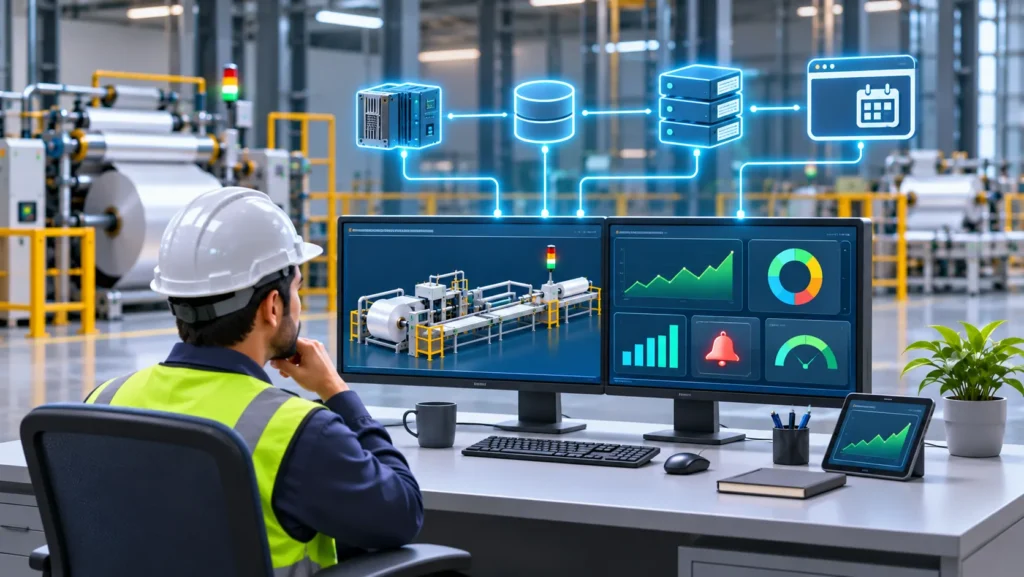
gnition centralizes data across multiple plants using a hub-and-spoke architecture, where each plant operates its own Gateway connected to local PLCs while communicating with a central Gateway. This enables live data sharing through the Gateway Network, centralized historical data collection, and optional fleet-wide Gateway management.
However, centralizing data is only part of the challenge. Making data from different plants comparable requires consistent tag names, state definitions, and units. This article explores the architecture, data flow mechanisms, key trade-offs, and a practical approach to implementation.
Why Centralize Data Across Multiple Plants?
When each plant runs its own isolated SCADA, corporate teams usually get plant data through spreadsheets, emails or manually built reports. The numbers arrive late and rarely mean the same thing. One plant counts a line as running when the motor is on; another counts it as running only when product is moving.
Centralizing data aims to solve problems such as:
- Comparing lines and plants using the same definitions
- Giving operations leaders one place to see status across sites
- Building shared reports and analytics on a common database
- Standardizing screens, projects and alarm practices
- Managing software versions and backups consistently
It is not always the right move. If plants make unrelated products and never compare performance, a lighter approach may do. Bandwidth, security policy and data-residency rules can also limit what should leave a site.
The Core Architecture: Hub and Spoke
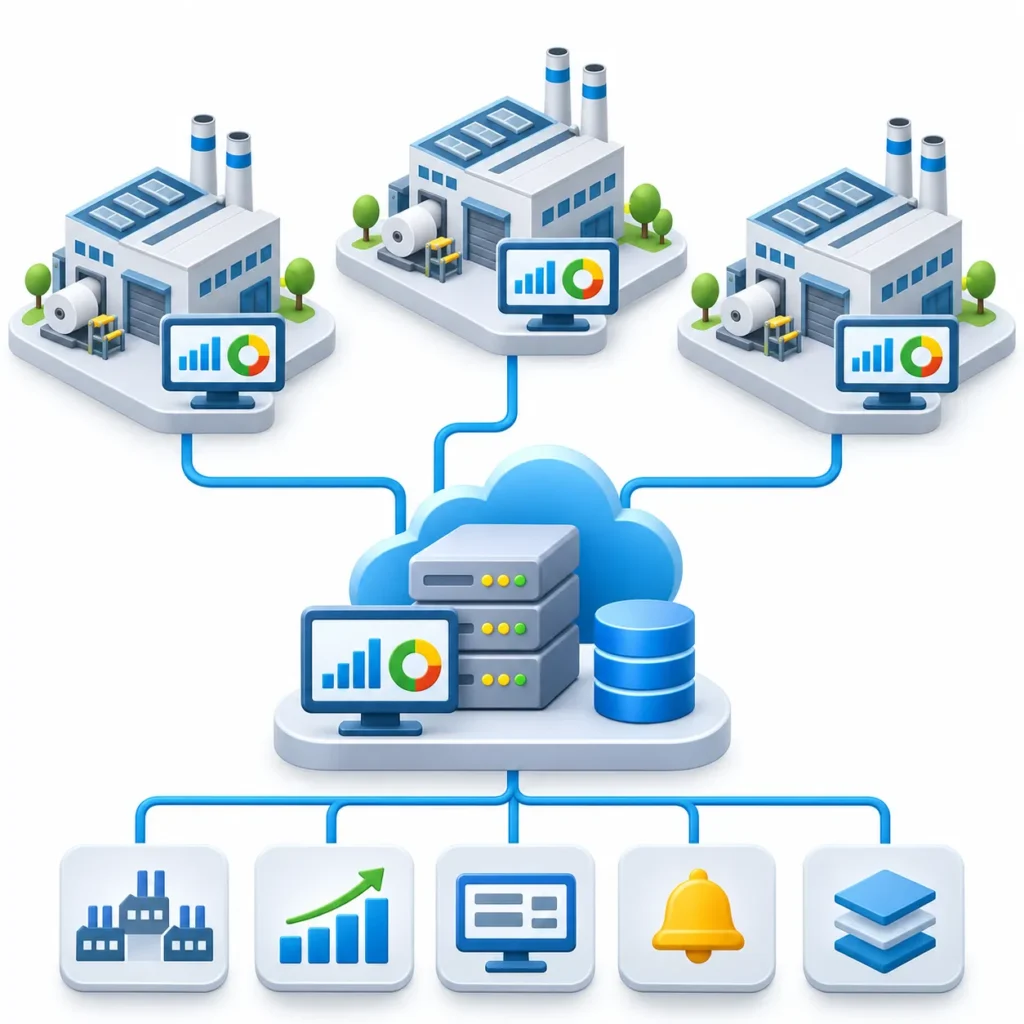
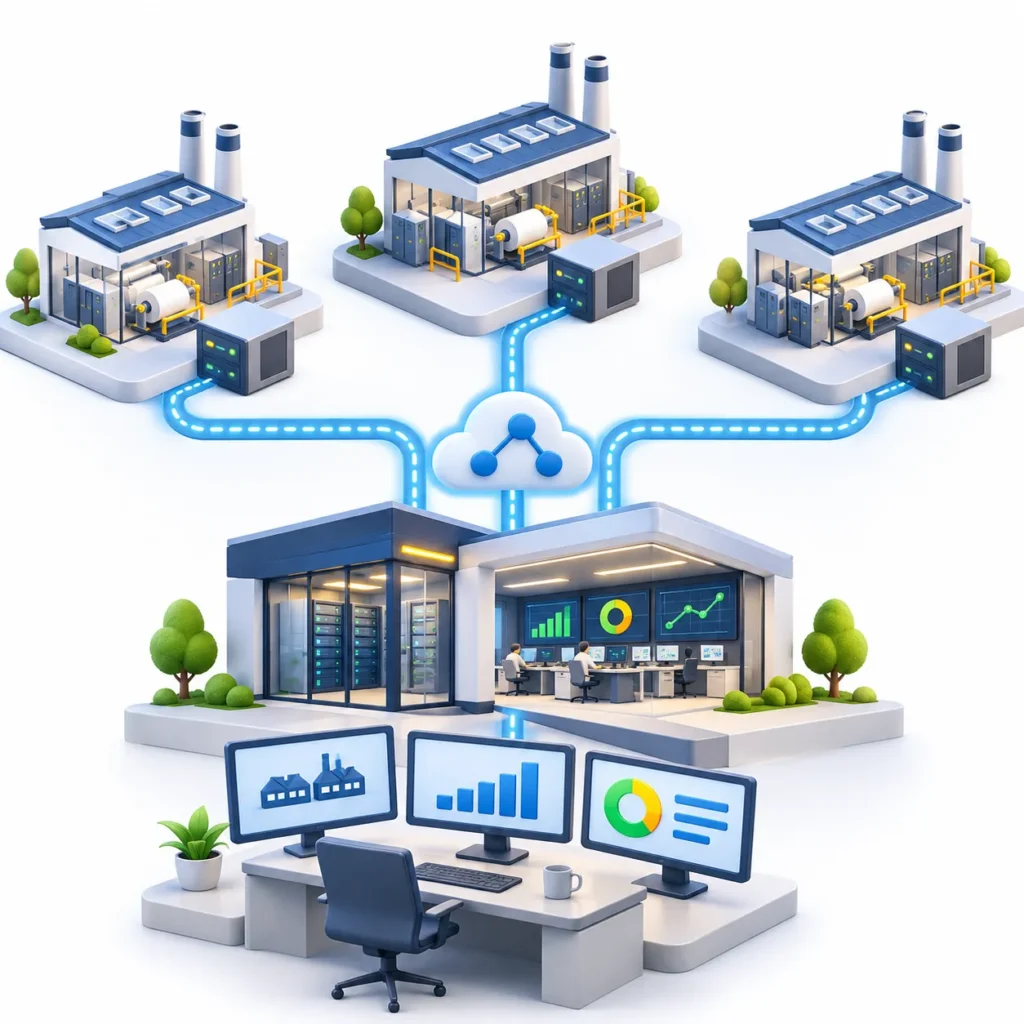
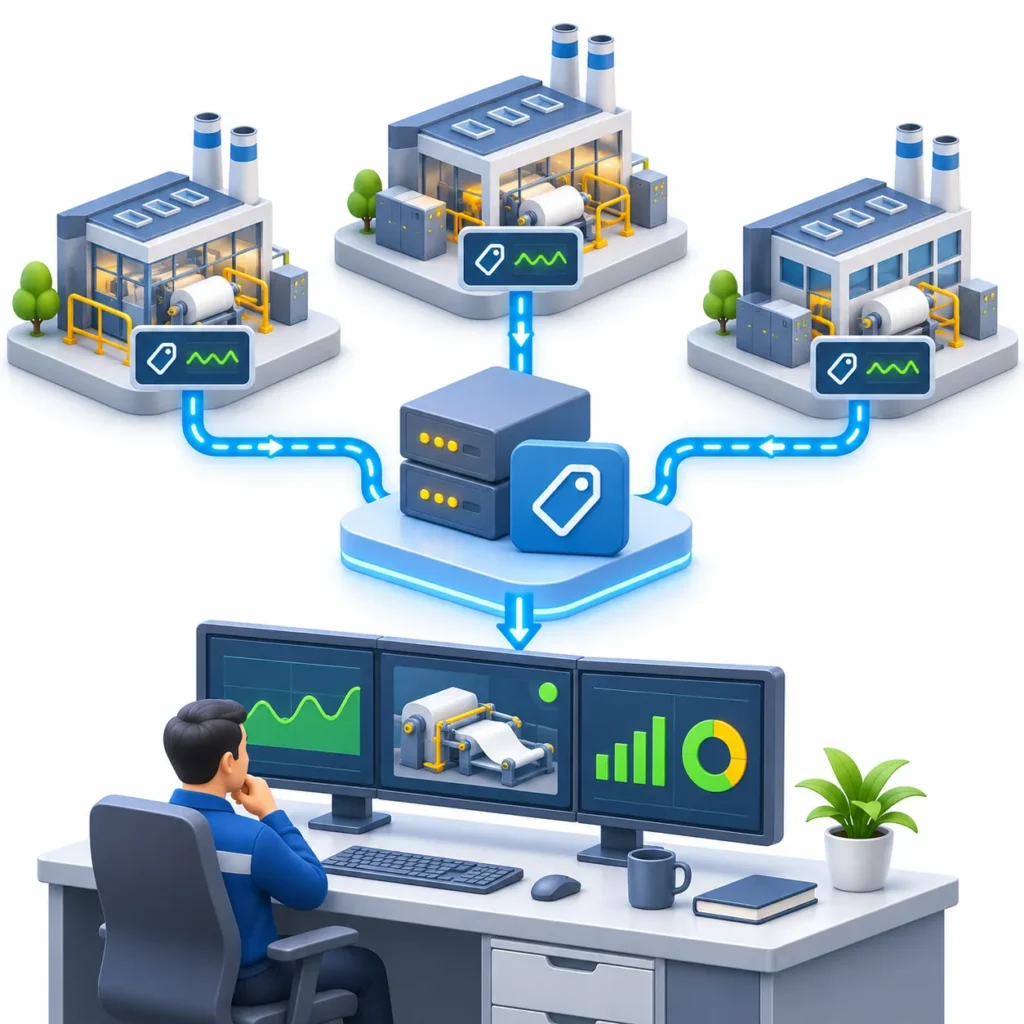
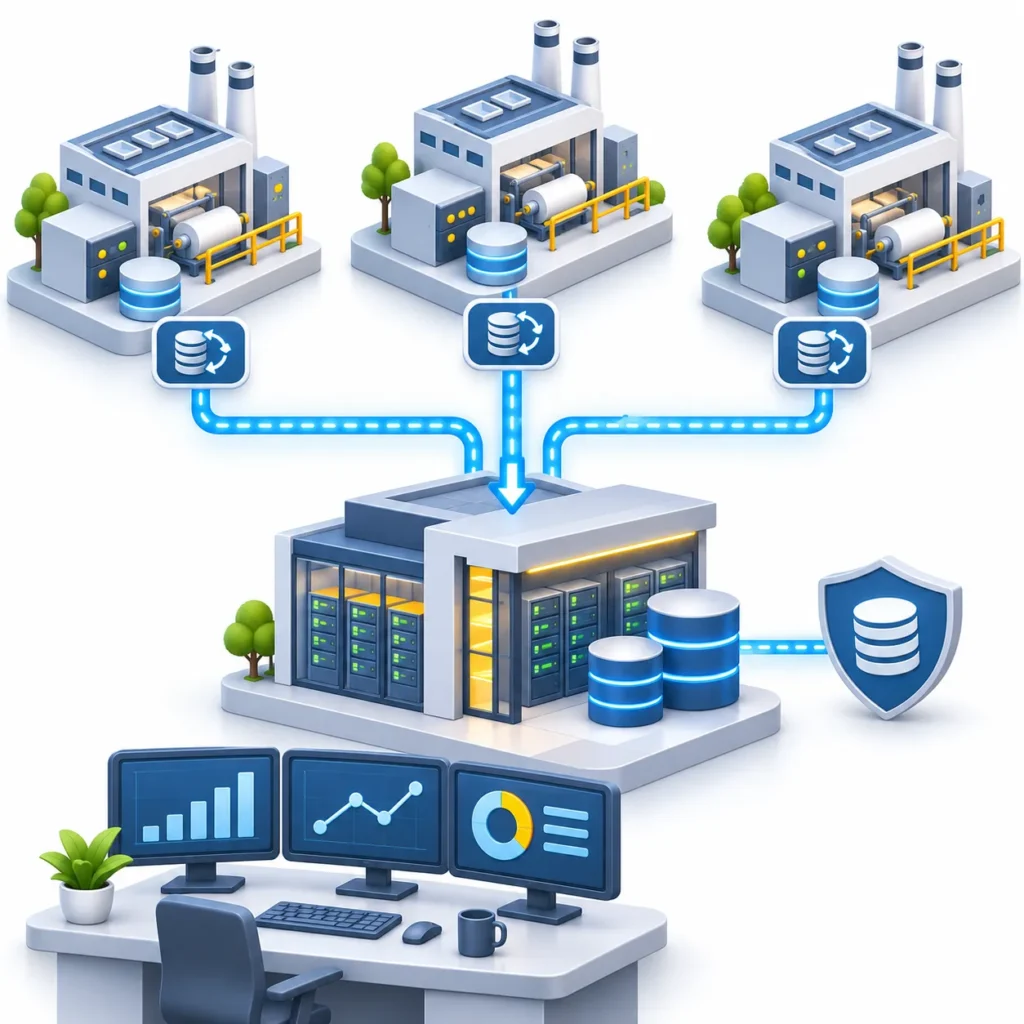
Inductive Automation describes a hub and spoke architecture in which multiple Ignition installations (the spokes) communicate and forward data to a centralized Ignition installation (the hub). The documentation says the approach is ideal for centralizing historical data from multiple remote sites, and that locally collected data can still be reached through the Gateway Network.
Each layer has a clear role:
- Spoke Gateways: connect to local PLCs, run plant screens and alarms, and buffer history. Each plant can keep operating if the link to the hub is interrupted.
- Gateway Network: the Ignition-to-Ignition communication layer that links Gateways.
- Hub Gateway and database: the central view of live and historical data, reports and enterprise dashboards.
Keeping control-level connectivity and alarming at the plant is a deliberate choice. A WAN outage should not blind a plant to its own machines. Inductive Automation’s hub and spoke documentation also describes adding Alarm Notification at remote sites so users there are notified when a problem occurs at that spoke.
How Data Moves from Plants to the Center
1. Remote Tag Providers: Live Values
A Remote Tag Provider connects one Gateway to a tag provider on another Gateway using a Gateway Network connection. The tags on the central Gateway are representations of tags that exist at the plant. According to the documentation, execution stays with the remote Gateway, so writes to a PLC, alarms and history are still handled at the plant.
For managers, this means a central dashboard can show a plant’s live tags without copying the PLC connection to headquarters.
2. History: Store and Forward and Central Databases
Live data alone isn’t enough for analytics. Ignition’s Store and Forward reliably queues records when a database is unavailable and sends them once connectivity returns. In hub-and-spoke architectures, history can also be stored at both the spoke and hub for redundancy.
However, remote history queries through the Gateway Network can be slow and increase network load. For better performance, Inductive Automation recommends using the Database history access mode when querying through real-time tag providers. Also, Ignition 8.3 Core Historian writes directly to disk and does not use Store and Forward, so the historian architecture should be verified for your version.
3. Enterprise Administration Module: Managing the Fleet
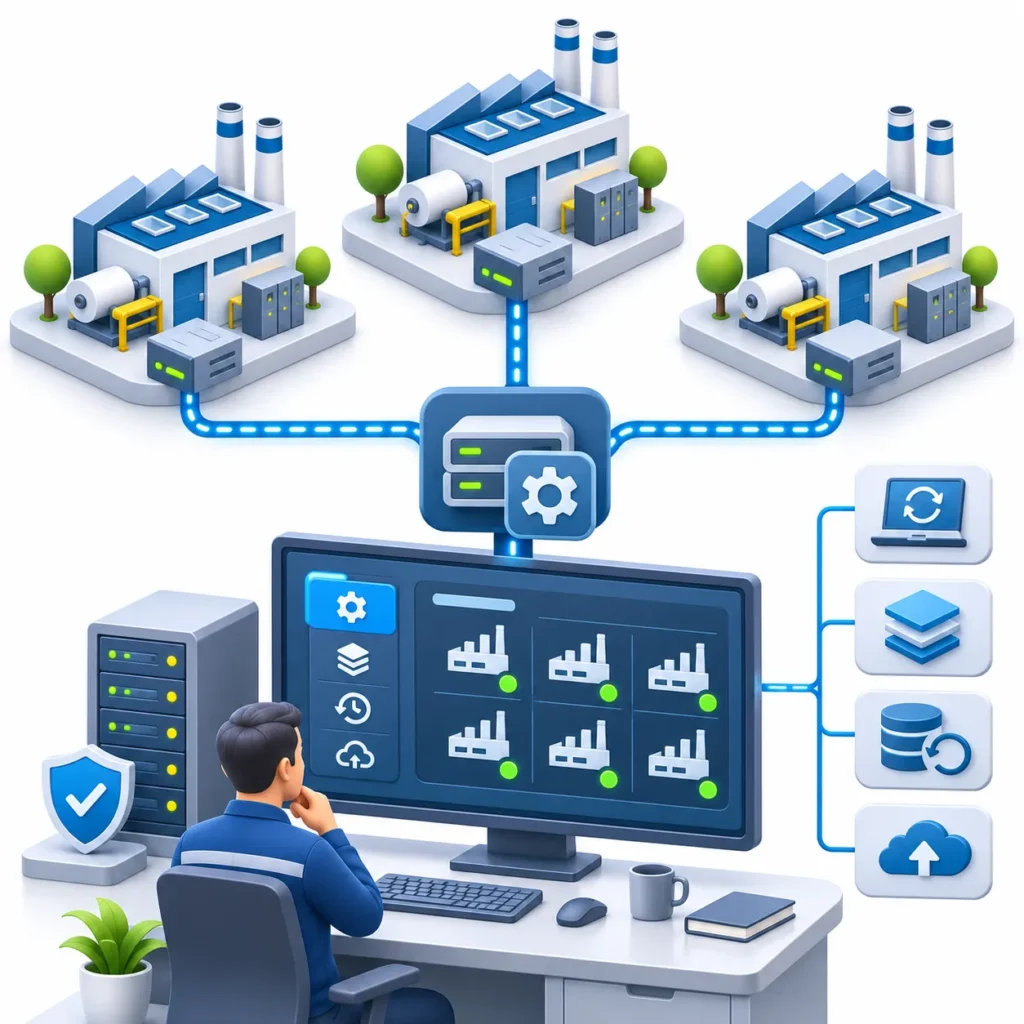
Moving data is different from managing the systems that move it. The Enterprise Administration Module (EAM) lets one Gateway act as a Controller that monitors and manages any number of Agent Gateways. Per the documentation, this includes assigning licenses, deploying modules, remote backups and disaster recovery, plus synchronizing projects so plant screens stay consistent.
EAM is not required for large Ignition systems, and a smaller group of plants can work without it. It tends to pay off when several Gateways must stay on the same versions and standard projects
Comparing the Mechanisms
Mechanism | What it moves | Best for | Watch-outs |
Remote Tag Provider | Live tag values and alarm state | Central dashboards, cross-plant views | Plant Gateway still executes writes and history; plan WAN load |
Store and Forward with central database | Historical records | Reliable central history | Confirm historian type and database sizing |
Remote history provider / history split | Tag history queries and copies | Redundant history, central queries | History queries can be slow if sent across the Gateway Network |
EAM Controller and Agents | Configuration, projects, licenses, backups | Standardizing many Gateways | Extra module and design effort; not mandatory |
The Hard Part: Making Plant Data Comparable
Connectivity will happily centralize inconsistent data. A hub that receives tags named differently in every plant gives you a bigger spreadsheet problem, not an enterprise view.
A practical data standard usually covers:
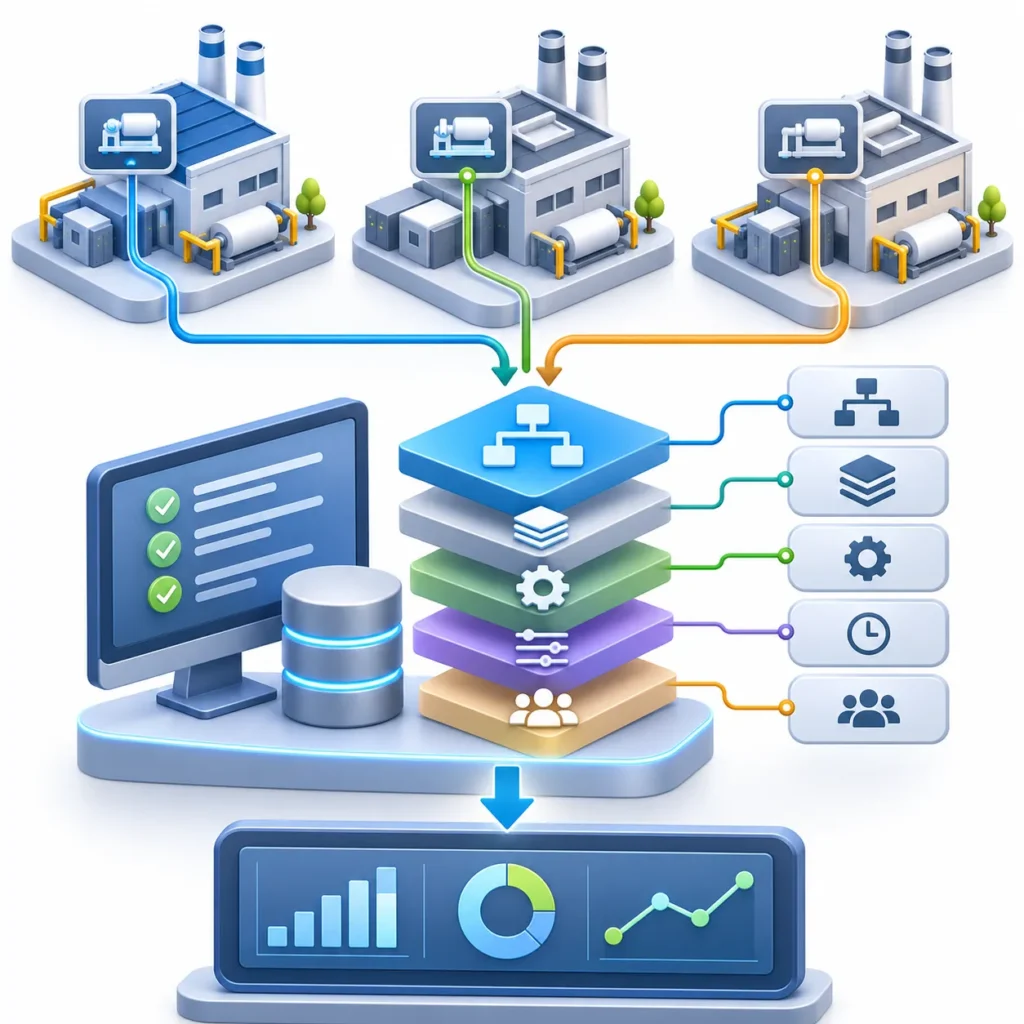
- Naming: a consistent pattern, for example enterprise, site, area, line and machine levels. Many plants base this on an ISA-95-style equipment hierarchy, but the exact scheme should suit your organization.
- Templates: reusable machine definitions (Ignition calls them UDTs) so that a filler or conveyor exposes the same fields at every plant.
- State definitions: one agreed meaning for running, idle, faulted, planned stop and unplanned stop.
- Units and time: consistent engineering units and a clear policy on time zones and timestamps.
- Ownership: someone who approves changes so standards do not drift.
Doing this work before scaling is cheaper than correcting history in a central database later.
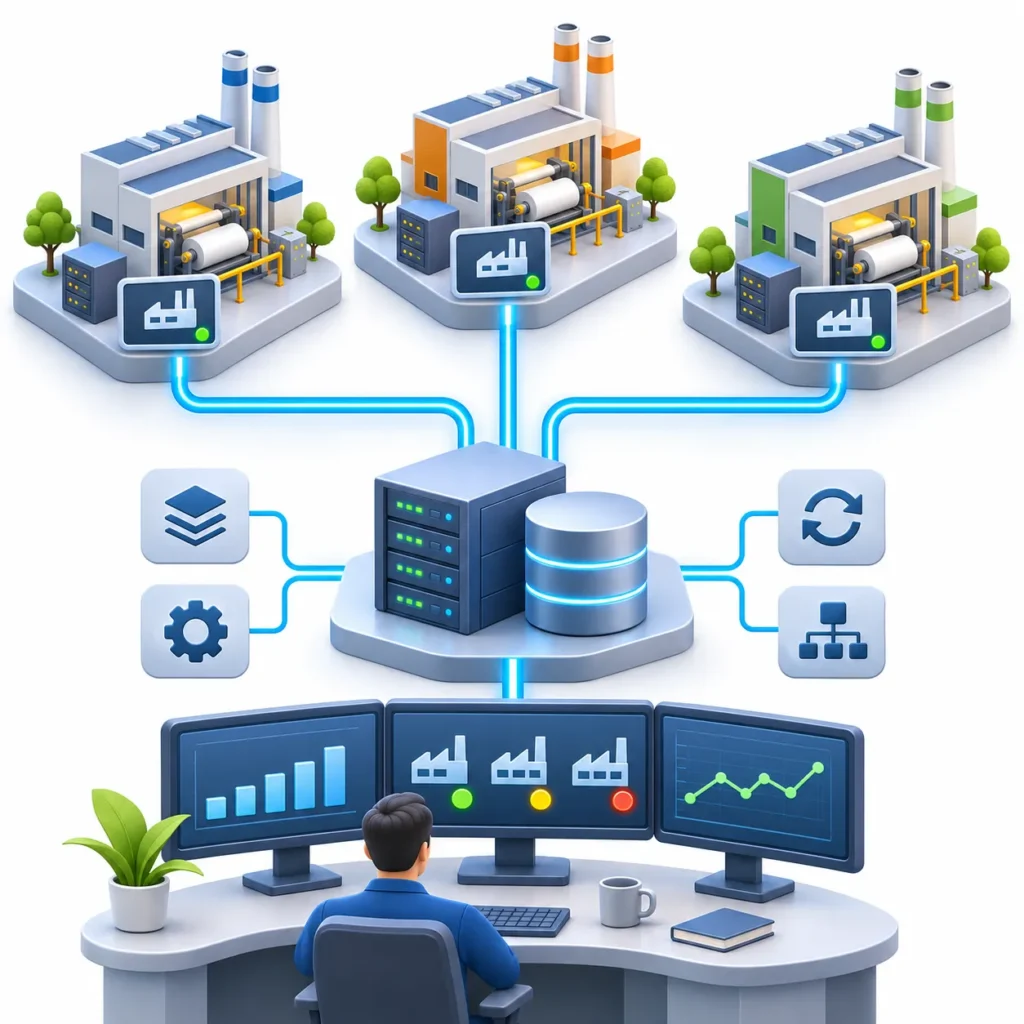
Example: A Three-Plant Manufacturer
Example (hypothetical): A manufacturer has three plants, each with its own SCADA. Tags are named differently, and “downtime” means something different in each. Headquarters receives weekly spreadsheets.
Approach:
- Install an Ignition Gateway at each plant, connected to local PLCs, with local screens and alarms.
- Define a common tag template and state model, then migrate one pilot line per plant.
- Set up a hub Gateway with Remote Tag Providers for live status and forward history to a central database through Store and Forward.
- Build one central dashboard comparing line status and shift output, using the same definitions everywhere.
- Use EAM, if justified, to keep projects and module versions aligned.
Possible outcome: Leaders compare like with like and spot which lines stop most, without waiting for a weekly report. This is an illustration; any real project should measure its own baseline and avoid assuming specific gains.
Choosing Between Central and Local Processing
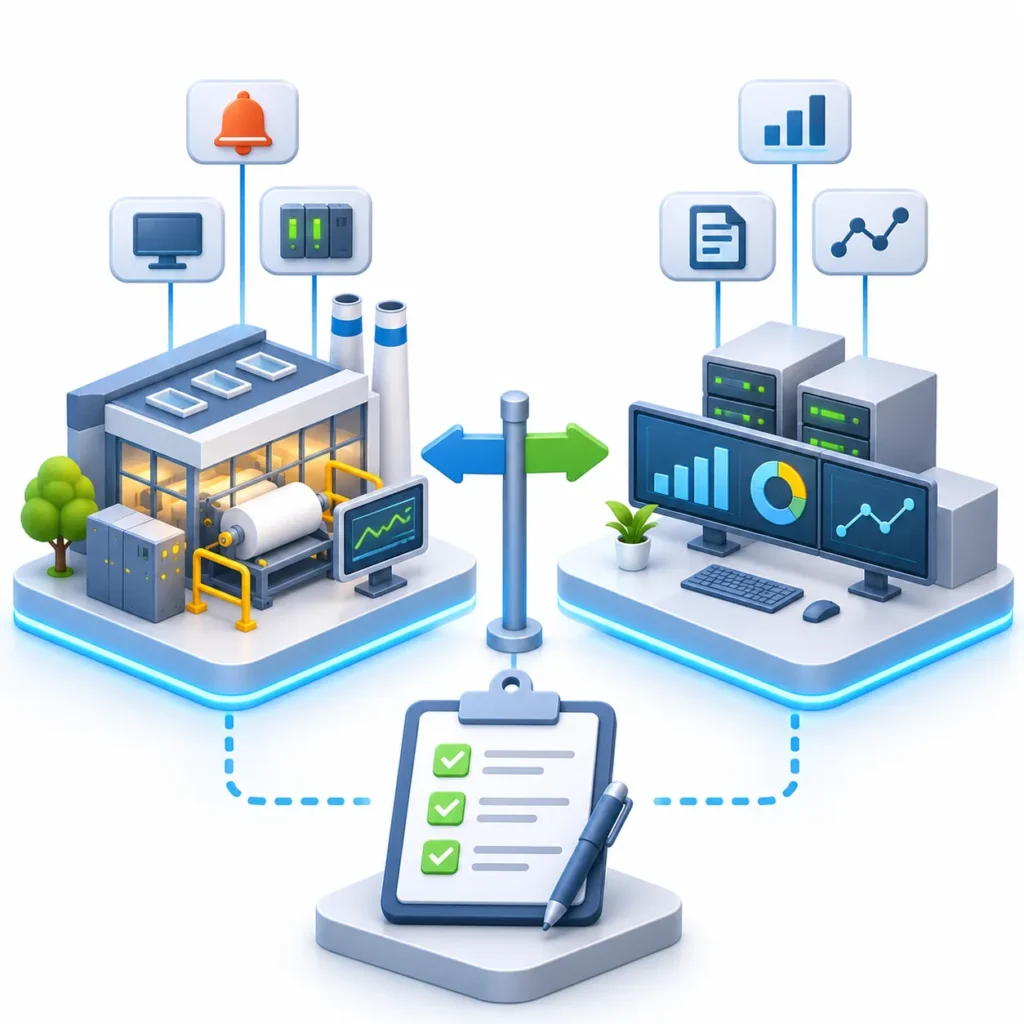
Not every function belongs at the hub. A useful rule is to keep time-critical work at the plant and move enterprise work to the center. Alarm handling, operator screens and PLC communication usually stay local, because they must work when the WAN does not. Cross-plant comparison, long-term reporting and shared analytics usually sit centrally, because they need data from every site in one place.
The edge cases deserve a decision rather than a default. Should plant managers use local screens, central screens or both? Where should calculated values such as shift output be computed? Writing these answers down early avoids the situation where two plants calculate the same metric differently
Network, Security and Resilience
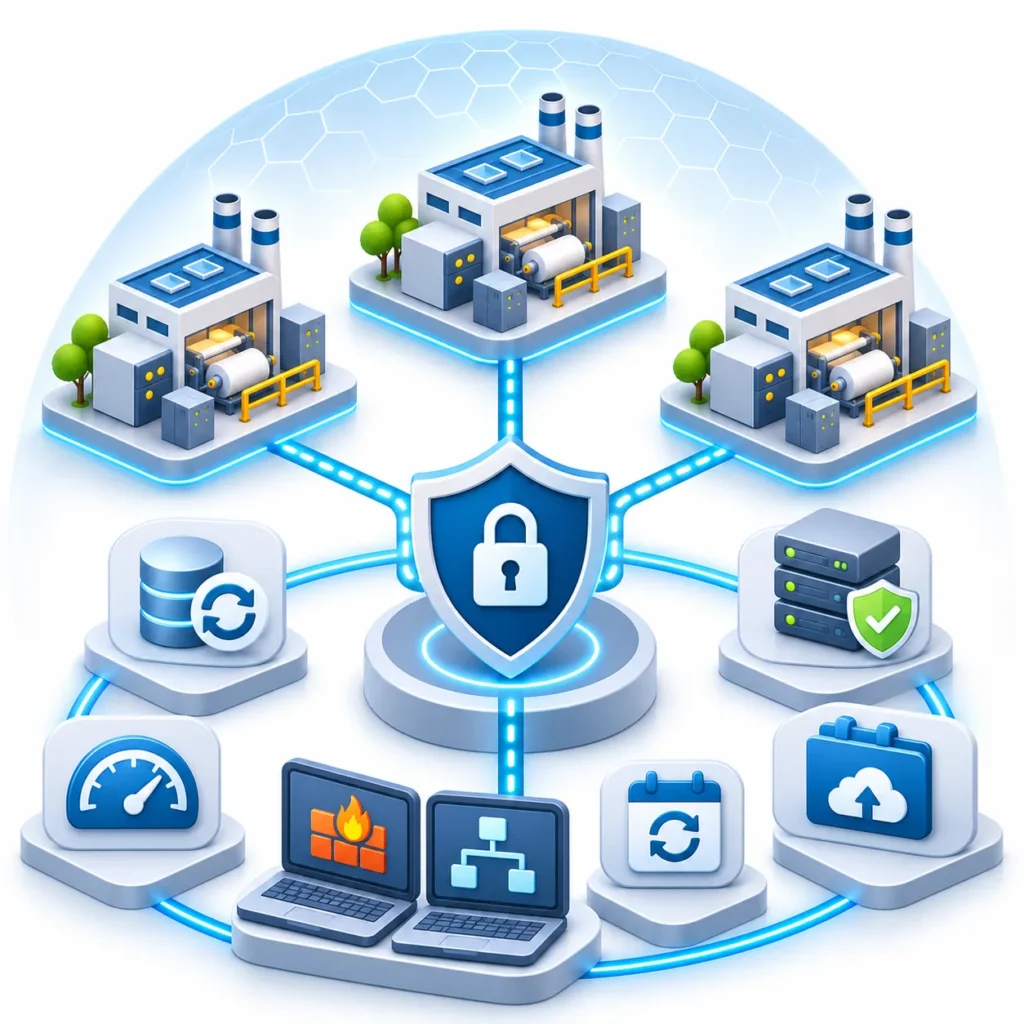
- WAN reliability: Design so plants operate independently and catch up later. Store and Forward is built for that purpose.
- Performance: Inductive Automation notes that although licensing is unlimited, hardware limits can still cause performance problems on the Gateway Network, so monitor throughput and load across all Gateways.
- Version planning: The documentation warns that 8.3 Gateways cannot store data to a remote 8.1 Gateway, so upgrade the central server before the remote Gateways.
- Security: Segment OT and IT networks, restrict Gateway Network connections and review remote access with your security team.
- Backups: Back up every Gateway, not only the hub
Benefits and Challenges
Benefits | Challenges |
One enterprise view with plant-level independence | Inconsistent tags and definitions across plants |
Reliable history through Store and Forward | History queries across the WAN can be slow |
Standard projects and versions through EAM | Version mismatches and upgrade sequencing |
Shared analytics on a common database | Security, access control and data governance |
Plants keep operating if the link drops | Legacy equipment with limited data |
A Simple Starting Framework
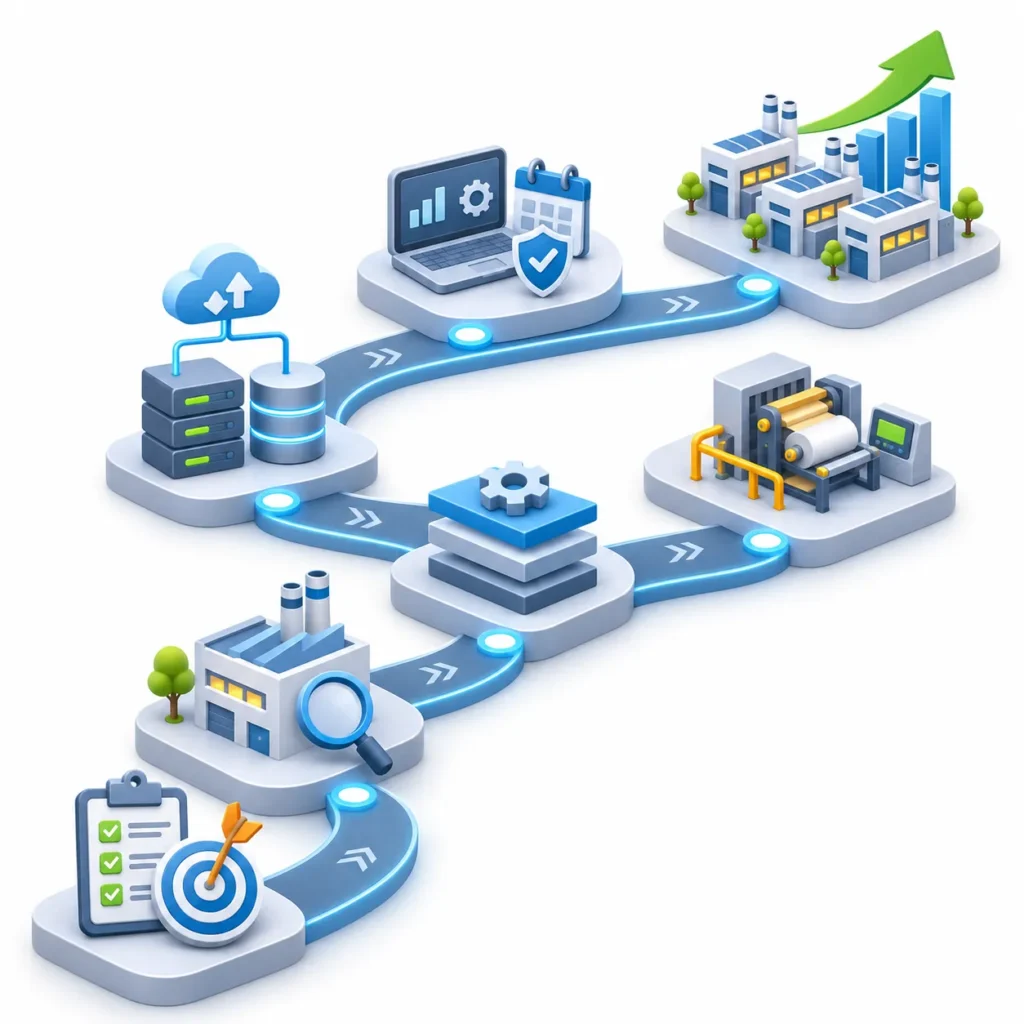
- Define the enterprise questions. What must leaders see across plants?
- Audit each plant. List PLCs, existing SCADA, available data and network links.
- Agree the data standard. Naming, templates, states, units and time.
- Pilot one line per plant. Prove the pattern before scaling.
- Choose the data paths. Live tags, history forwarding and where queries run.
- Plan operations. Backups, versions, monitoring and EAM if needed.
- Scale gradually. Add lines and plants using the same templates.
Frequently Asked Questions
How does Ignition centralize data from multiple plants?
Each plant runs an Ignition Gateway connected to local PLCs. A central Gateway reaches them over the Gateway Network, showing live tags through Remote Tag Providers, while history is forwarded to a central database.
What is hub and spoke architecture in Ignition?
It is a design where plant Gateways (spokes) forward data to a central Gateway (the hub). Inductive Automation describes it as well suited to centralizing historical data while letting plants keep their own local systems.
Do I need the Enterprise Administration Module?
Not necessarily. Inductive Automation says it is not required for large systems. It helps when many Gateways need synchronized projects, consistent module versions, centralized monitoring and automated backups.
What happens if the connection to the central site drops?
Plant Gateways keep working locally. For SQL-based historians, Store and Forward queues records and sends them when the connection returns. Confirm how your chosen historian and alarm design behave.
What is the difference between a Remote Tag Provider and a remote history provider?
A Remote Tag Provider exposes live tags from another Gateway. Remote history providers allow history to be queried or shared between Gateways. Both use the Gateway Network but use different tag paths.
Does unlimited licensing mean unlimited scale?
No. Inductive Automation describes licensing as unlimited, but hardware limits can still cause performance problems, so servers, network capacity and database sizing still need planning.
Conclusion
Ignition centralizes multi-plant data well when plants keep their own Gateways, history flows reliably to a central database, and everyone agrees on what the data means. The software supplies the connections; the discipline of common tag models and definitions makes the result useful. Network load, version alignment and security are the usual trade-offs.
Before choosing a design, map each plant’s systems, data and network links, decide which questions the center must answer, and pilot with one line per plant. INGSOL typically starts with that assessment before recommending a hub and spoke layout.
Contact our Ignition specialists directly:
Email: sales@ingsol.com
Phone (India): +91 95608 11774
Phone (US): +1 347 570 2629
Our engineers will review your current setup and outline a practical upgrade path built for your plant.